
Why louder sounds better, and how to A/B fairly
A small difference in playback level can affect which version you prefer. Learn how to match loudness when comparing processing, revisions and reference tracks.
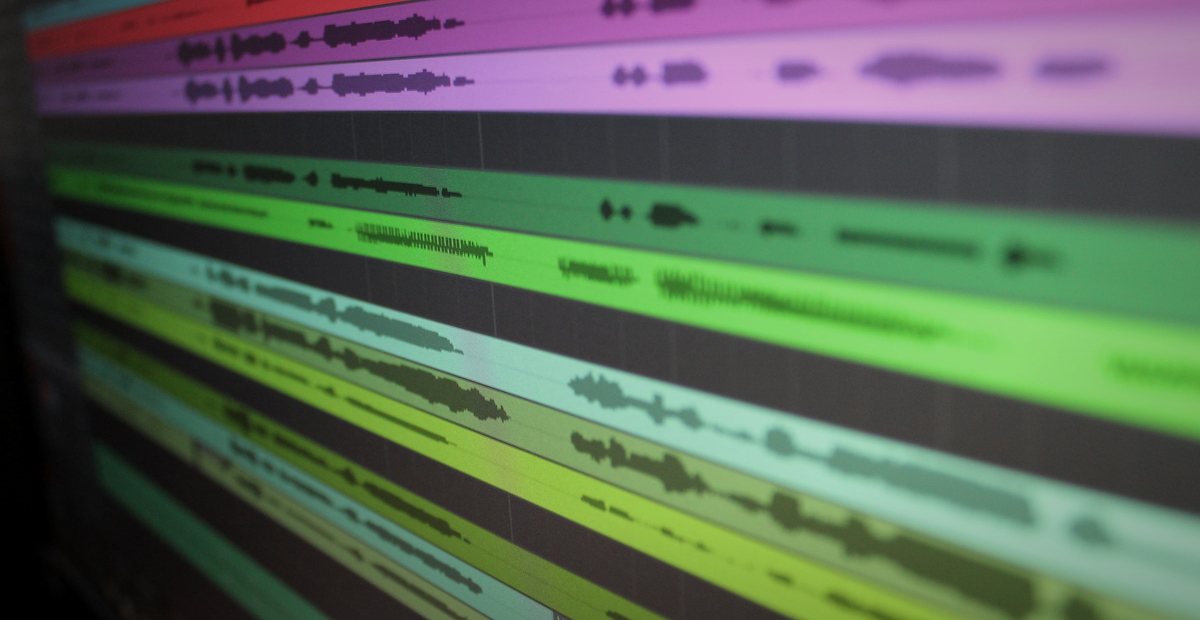
If a processor raises the output level, it can be difficult to separate that change from its effect on tone or dynamics. Comparing at matched loudness helps you hear what the processing changed.
Why louder sounds better
Our sensitivity to different frequencies changes with listening level. A louder signal can also make quiet details easier to hear above background noise. These effects can influence a quick comparison even when the underlying file is unchanged.
Where level matching helps
Level differences can affect several kinds of comparison:
- Comparing processing. A plugin’s output gain can influence the comparison with bypass. Match the levels before assessing the processing.
- Choosing between mixes or masters. Play two versions back to back at different levels and the level difference can influence your preference.
- Setting the master’s level. Compare candidate versions at matched loudness to hear how increased limiting changes the sound.
- Client approval. Send a client a version and a slightly hotter revision and the level difference may affect which one they approve.
How to match levels
Match playback loudness before deciding which version you prefer:
- Comparing a plugin, in vs out. Trim the output so bypassed and engaged are the same loudness, then judge. Many plugins have an output gain for exactly this.
- Comparing versions. Measure each version and reduce the louder one to match the quieter. This avoids adding gain that could cause clipping.
- Against a reference track. Match playback loudness before comparing the balance, tone and dynamics.
Use your ears and a meter to establish a similar listening level. Integrated LUFS gives a useful starting point, but also compare the particular passage you are judging. The loudness meter reports integrated LUFS and true peak.
Level-matched A/B, without touching the audio
Gain matching can change the playback level without rewriting the source files. The A/B tool lowers the louder file to match the quieter one and offers a blind comparison mode.
Loudness is still a creative choice
After comparing, choose the release level for the song and the brief. Gain matching does not require a quiet master: reducing compression or limiting can change the density and impact the artist wants. Check references at matched loudness, then choose the processing and level that fit the record. See LUFS and true peak for the relevant measurements.
When the client is the one comparing
Give the client a way to compare revisions at matched loudness. In Soneam, they can enable Fair Loudness while reviewing. See client sign-off for how to record the version they accept.
Frequently asked questions
Why does louder music sound better?
Listening level affects perceived tonal balance and detail. A louder version may therefore be preferred in a quick comparison. Matching loudness reduces that source of bias.
What is gain matching?
Gain matching means setting two things you're comparing to the same perceived loudness before you decide which is better, to reduce the influence of playback level on the comparison. Engineers gain-match a plugin's input and output before judging it, and match two mixes or masters to the same loudness before choosing between them.
How do I A/B two mixes or masters fairly?
Match their loudness first. Measure the integrated LUFS of each and attenuate the louder one down to the quieter one (attenuate, don't boost, so nothing clips), then compare. By ear, trim until they sound equally loud; for a precise match, use a LUFS meter and get them within about a dB. Then compare the same passages for changes in tone and dynamics.
How much louder does something have to be to sound better?
Even a small level difference can affect a comparison, but there is no single threshold that applies to every listener and signal. Match levels as closely as practical and compare the same passages.
Does gain matching mean my master should be quiet?
No. Matching playback loudness helps you compare versions; it does not set the release level. Choose the final density and dynamics for the song rather than treating a normalization reference as a mastering target.

Compare two versions in the client demo. Turn Fair Loudness on and off, then leave a comment on the passage you compared. No account is needed.
Let your client hear it fairly
Clients can turn on Fair Loudness to compare versions at matched playback levels. They can leave comments on the waveform and approve the version they prefer.