
Why was my upload added as a new version?
Uploads with matching track names are grouped as versions. Use the version menu to separate an incorrectly grouped file.
When an uploaded filename matches an existing track after its version suffix is removed, the file is added as the next version of that track. For example, "Gold Hour v1.wav" and "Gold Hour v2.wav" become two versions of one track. The newer version becomes current for client playback.
Recognized suffixes include "v2", "rev 3", "take 4", "final", "master" and "mix". The remaining name must match exactly. A number on its own is not a version suffix, so "Study 2.wav" and "Study 3.wav" remain separate tracks.
Unresolved comments carry over as they do when you add a version manually.
On Free, a track can retain three versions. A fourth upload is added as a separate track rather than rejected.
If an upload was grouped incorrectly
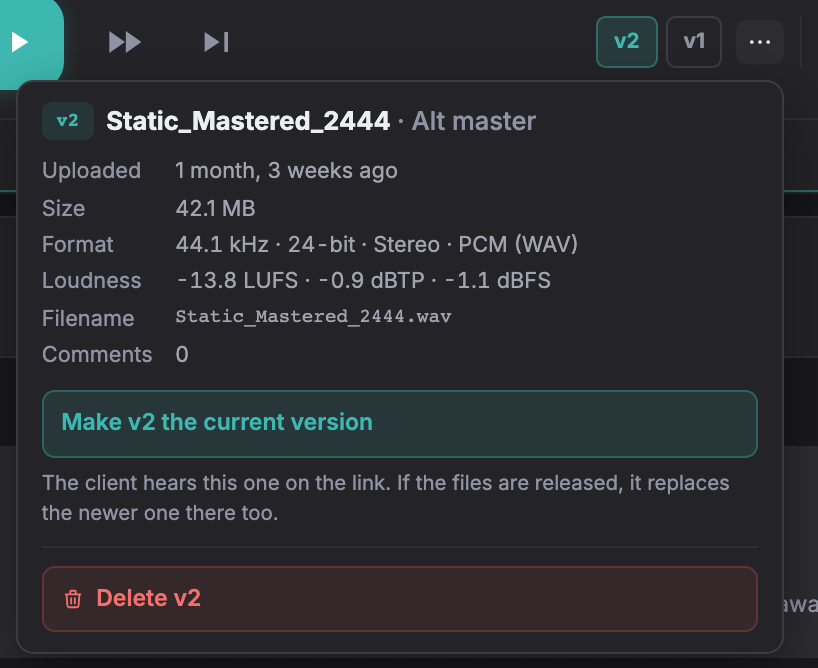
To separate a version, choose Make this its own track from its version menu. Comments and approval move with it. The new track starts at v1 unless an approval record, released delivery or pinned review link refers to the existing version number; in that case, the number is kept.
To merge a separate track into another, choose Add to another track as its next versions from its ⋯ menu. You can also drag the ⋮⋮ handle to the right half of the destination card, over Add as versions. Dragging on the left reorders tracks instead.
The added versions are numbered after the destination’s existing versions and keep their comments. The destination’s current version does not change. Tracks with an approval record, released files or a pinned review link cannot be merged.
Not covered here? Write to support@soneam.com.