
Can I put my own logo on the pages clients see?
Add your logo and accent color; they show on client pages on Pro and above. Custom domains are not supported.
Client Page Branding lets you add a logo and accent color to review, upload and delivery pages, including password screens. The logo and color are saved on every plan and shown to clients on Pro and above; until then the pages carry the Soneam mark. New accounts get them for their first 14 days. Your studio link and social links on the review page follow the same rule: saved on every plan, shown from Pro.
-
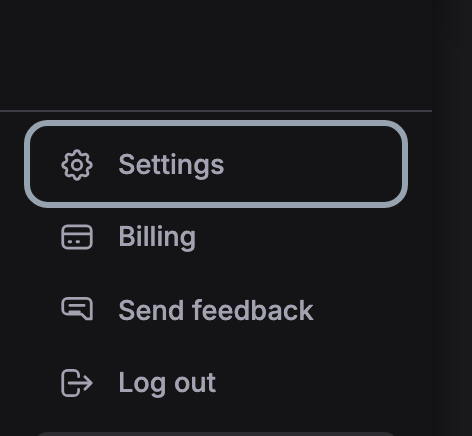
Open Settings in the sidebar.
-
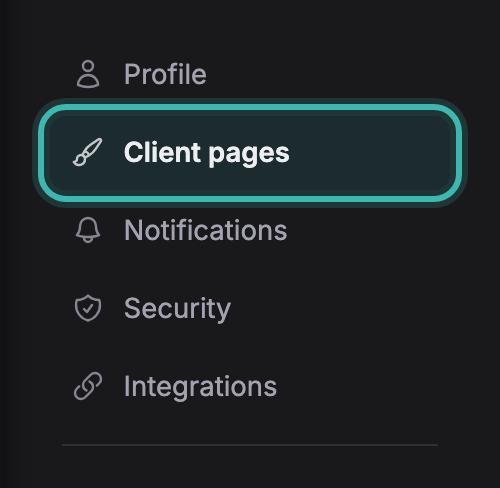
Choose Client pages in the list on the left.
-
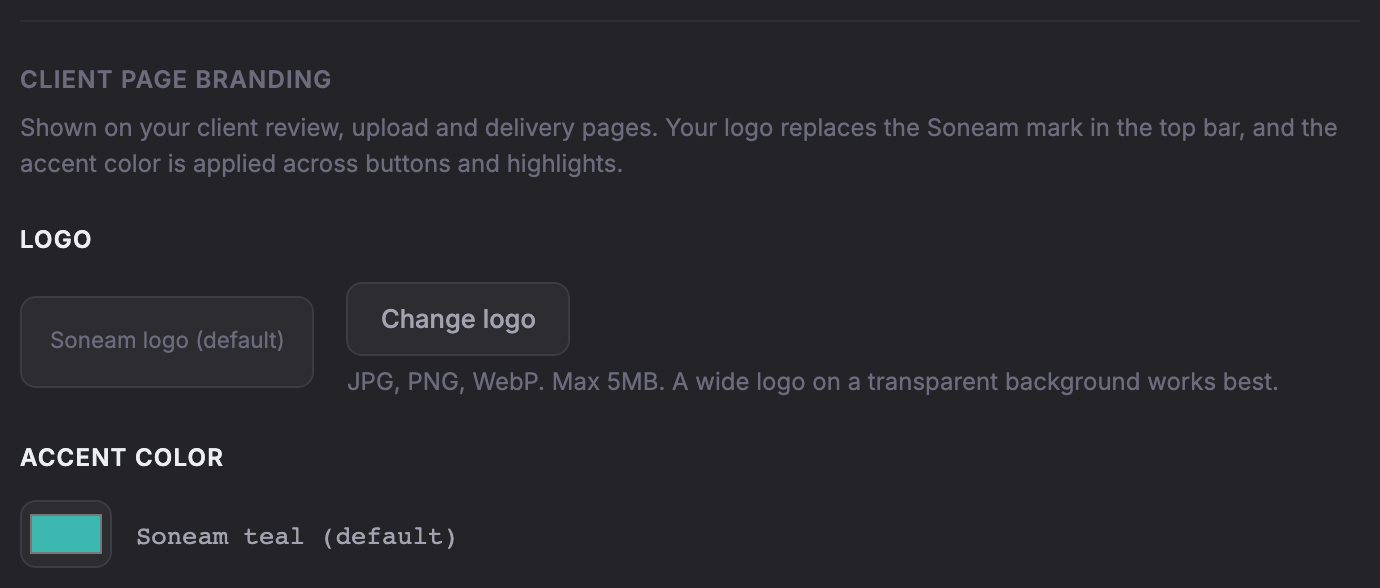
Change logo takes a JPG, PNG or WebP up to 5 MB; a wide logo on a transparent background fits the bar best. Pick an accent color underneath. The bar at the top shows both as your client will see them.
-
Save. Every page your client sees uses it from then on: review, upload, delivery and the password gates.

Your logo replaces the main Soneam logo and your accent color is used in the controls. Soneam attribution remains in the footer.
Custom domains are not supported. Review links use soneam.com.
Not covered here? Write to support@soneam.com.