
Can I hold a delivery until the invoice is paid?
Yes. Set an unpaid balance in Delivery to keep downloads locked until payment is confirmed.
Enter a balance in Delivery and release the selected files. The client can review the audio, but downloads remain locked while the balance is unpaid.
-
Open Delivery and check the selected tracks and any extra files.

-
Open Require payment before download and enter the balance. Add line items and payment instructions if needed. Changes save as you type.
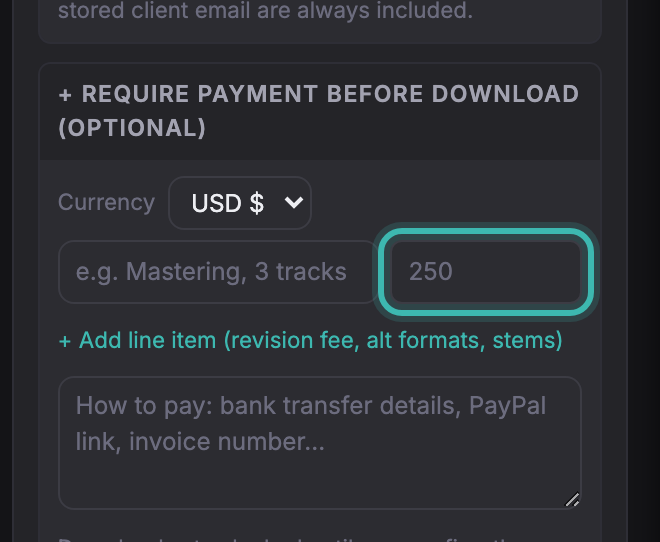
-
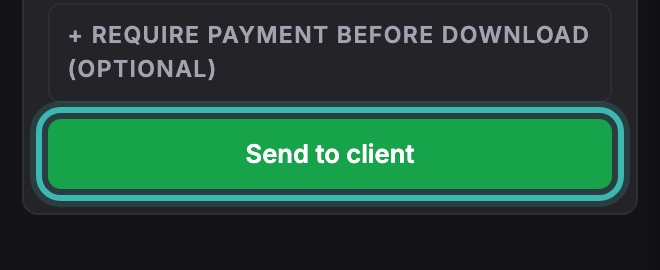
Select Release files. The client sees the balance on the review page; downloads stay locked until payment is confirmed.
Card checkout is on Pro and above; the gate itself, with the method you name and confirm, is on every plan. With Stripe connected and card payment enabled, a successful card payment unlocks the released downloads automatically. For a bank transfer or other external payment, check receipt before marking the delivery as paid. A client’s payment report is not confirmation that funds arrived.
Select the payment methods for each delivery. Soneam charges no transaction fee; processing or bank fees may apply. See connecting Stripe. Playback access still permits a listener to record the audio.
Not covered here? Write to support@soneam.com.